
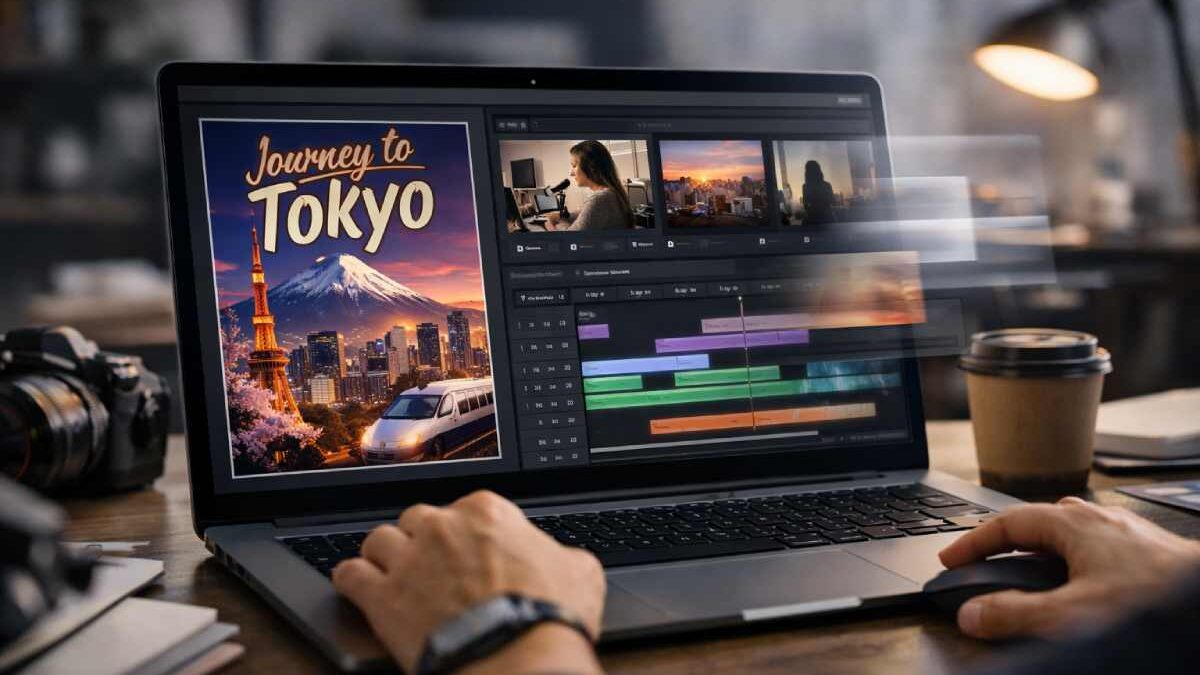

Creating high-quality videos used to involve multiple tools, handoffs, and long production cycles. Today, you can move much faster by combining image generation and video assembly in a single workflow. When you pair Ideogram AI with invideo, you create visuals and turn them into finished videos without breaking your creative momentum.
This approach works whether you’re producing marketing assets, social media clips, explainers, or branded visuals for clients. You focus on ideas and execution, while the platform handles structure, design consistency, and production speed.
Table of Contents
Why Faster Video Creation Matters Today
If you’re managing content for a business, brand, or personal channel, speed directly affects consistency and reach. You may need to publish more often, test multiple creatives, or respond quickly to trends. Invideo helps streamline business operations by bringing scripts, visuals, and editing together, while maintaining enterprise security for teams working at scale.
Adding AI-powered image generation into this workflow removes another bottleneck. Instead of sourcing stock images or waiting on design iterations, you can generate exactly what your video needs, on demand, and move straight into editing.
How Ideogram Fits Into the Invideo Workflow
Ideogram 3.0 on invideo gives you access to a text-to-image model known for sharp text, clean styles, and realistic detail. You generate images directly inside invideo, then immediately use them in your video projects.
This tight integration means you don’t need to jump between platforms or re-upload assets. You stay in one environment and keep your creative process fluid.
During the production stage, this is where Ideogram AI becomes especially useful on invideo. You can generate visuals that already match your brand style and video layout, then drop them straight into timelines, scenes, or readymade generative videos or clips workflows without extra formatting. This makes the platform feel integrated along with its AI video app instead of disconnected tools.
Step-by-Step: Using Ideogram 3.0 on Invideo
Here’s how you can start generating and using images inside invideo in a few clear steps.
1. Choose Ideogram 3.0
- Log in to invideo
- Click on Agents & Models
- Scroll to the bottom and select Ideogram 3.0
This unlocks image creation and editing directly within your workspace.
2. Define Style and Character
- Upload style references to maintain consistent aesthetics across images
- Upload character references to keep the same identity in every visual
This is especially helpful for brand campaigns, series content, or recurring characters.
3. Preview and Download
- Generate your image from a prompt
- Preview the result inside invideo
- Refine or regenerate if needed
- Download instantly or add it directly to a video project
At this point, the image is ready for social media, ads, thumbnails, or full video sequences.
Key Ideogram Model Features Available on Invideo
Ideogram on invideo is built for creators who need precision and flexibility without manual design work.
Style Reference
You can match a specific look by uploading style images. The model learns color palettes, lighting, and composition so your outputs remain visually consistent.
Text Rendering
Clean, readable typography is one of Ideogram’s strongest capabilities. Headlines, labels, posters, and product text appear sharp and accurate directly inside the image.
Photorealism
You can produce visuals with depth, realistic textures, and natural lighting. This works well for product shots, environments, and lifestyle scenes.
Multilingual Text
Ideogram supports global languages, including non-Latin scripts like Hindi, Arabic, and Chinese. Characters stay clear and properly shaped, making it suitable for international campaigns.
Asset Integration
You can upload logos or brand elements and blend them naturally into the scene. Lighting, shadows, and perspective adjust so assets look native to the image.
Complex Composition
The model can handle multiple objects, layered scenes, and structured layouts without losing coherence or balance.
Who Benefits From Ideogram + Invideo
This combined workflow adapts to many use cases:
- Marketers creating ad creatives, banners, and UGC-style videos
- Freelancers and agencies delivering fast client turnarounds
- Small businesses and solopreneurs building brand visuals without designers
- Professional service providers producing explainers and promotional clips
- Local businesses creating posters, reels, and event promos
- Content creators and faceless channels generating visuals from scripts
- Educators and course creators building structured learning content
- Filmmakers and storytellers visualizing concepts quickly
Since invideo includes multiple AI models under Agents & Models, you can combine Ideogram with video generation, narration, and editing features in one place.
From Images to Full Video Stories
Once your images are ready, invideo makes it easy to turn them into complete videos. You can combine visuals with scenes, transitions, text overlays, and voiceovers. This works well for:
- Brand stories
- Product promos
- Music videos
- Event invites
- Explainer videos
- UGC ads and short clips
Everything happens within invideo, keeping production fast and organized while meeting enterprise security standards.
Why This Workflow Scales Well
Using Ideogram 3.0 on invideo removes the need for design expertise. You write a prompt, optionally add references, and generate. The model handles lighting, perspective, text placement, and composition automatically.
This simplicity makes it easier to scale content creation across teams, maintain consistent branding, and experiment with new ideas without increasing production complexity.
Final Thoughts
If you want to move from idea to video faster, combining image generation and video creation in one platform makes a clear difference. With Ideogram AI integrated into invideo, you can generate polished visuals, maintain brand consistency, and turn them into videos without friction.
For creators, businesses, and teams that value speed, clarity, and control, this approach offers a practical way to keep producing high-quality video content at scale without slowing down your creative flow.